Add the testnet cNGN token to MetaMask on the BSC Testnet, claim faucet tokens, and whitelist your address so you can test crypto deposits on Payluk.
This guide gets you a funded testnet wallet so you can exercise Payluk’s crypto
deposit flow end-to-end without spending real money. You’ll add the cNGN token to
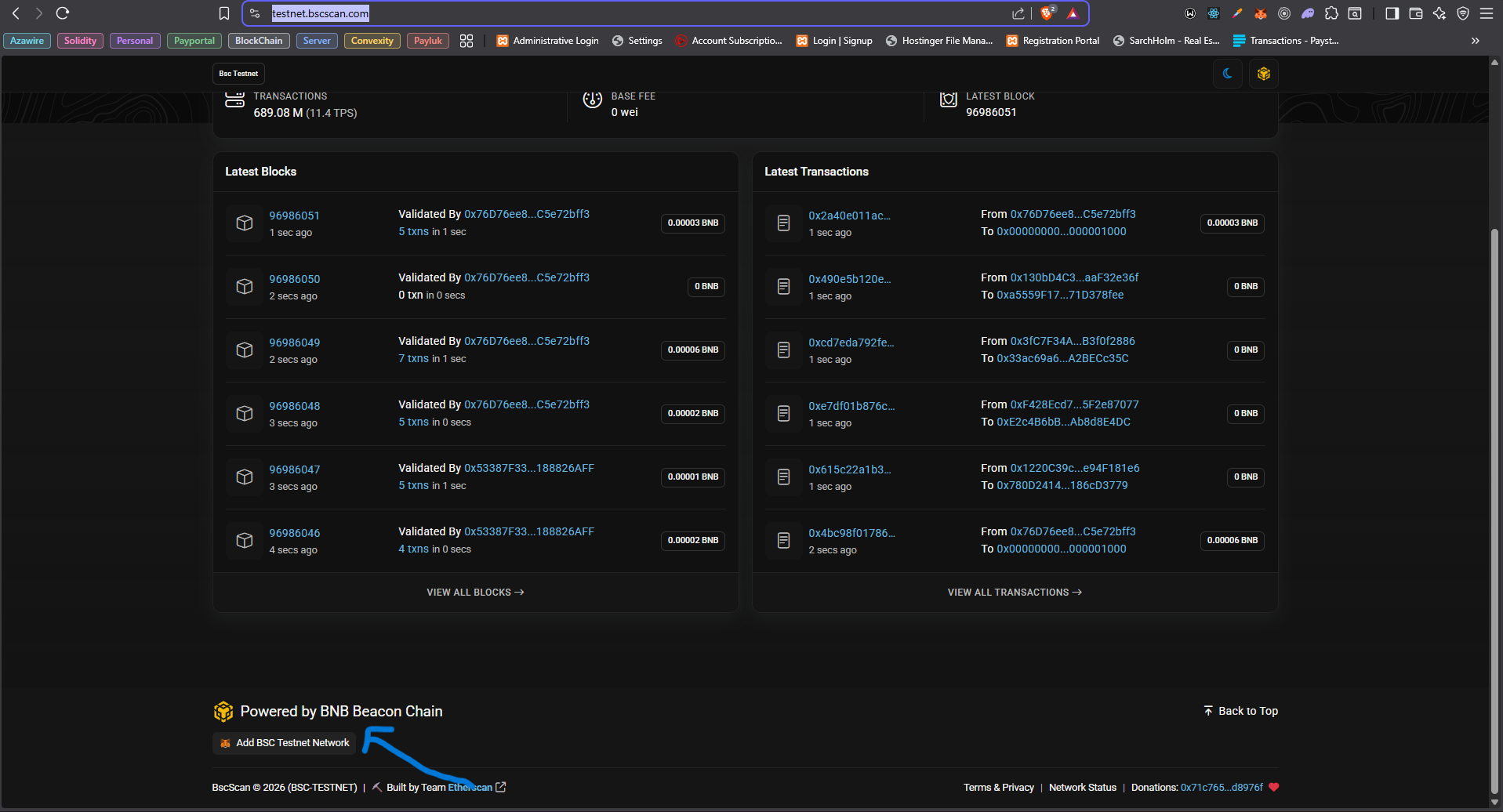
MetaMask on the BNB Smart Chain (BSC) Testnet, claim test cNGN from the faucet,
and whitelist your address.
This setup is for testnet only: testnet tokens have no monetary value. When you
test deposits against the API, use the staging base URL https://staging.api.payluk.ng.
Payluk settles crypto only in cNGN as a BEP-20 token on the Binance Smart Chain (BSC).
Sending any other token, or using any other chain, results in lost funds.
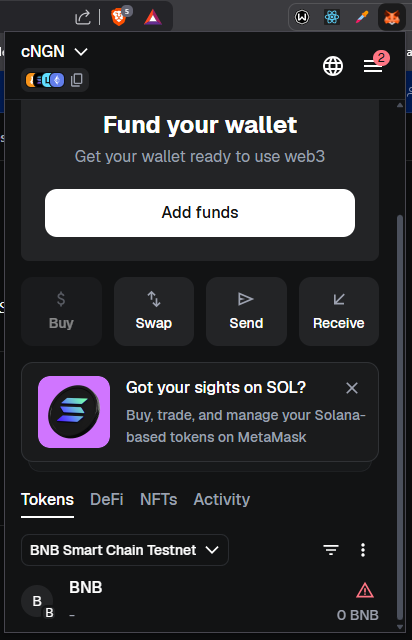
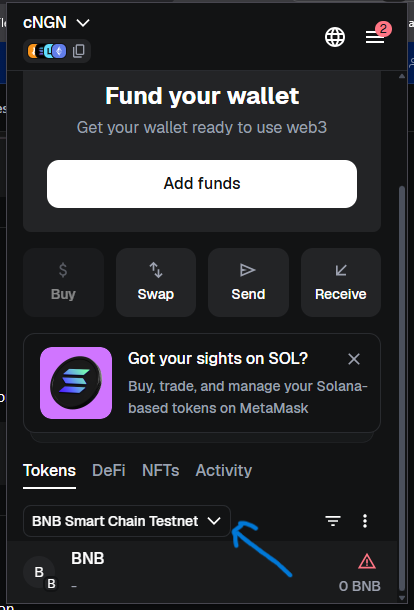
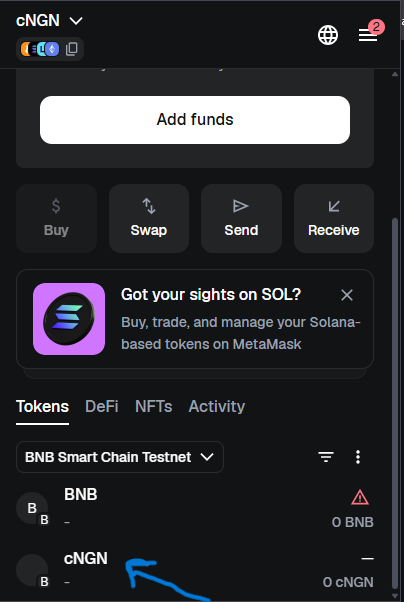
With BNB Smart Chain Testnet selected, find the Tokens section.
Click the three-dot icon (⋮) on the right of the network entry.
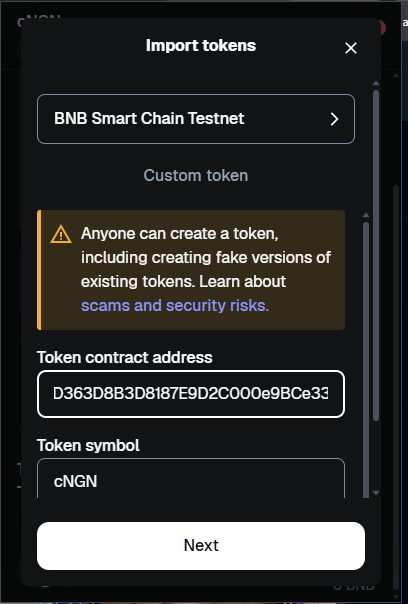
Select Import Token.
Paste the cNGN BSC Testnet contract address, then click Import.
Find the current BSC Testnet contract address in the official cNGN repository:
github.com/wrappedcbdc/stablecoin-cngn.
Always copy it from the source rather than reusing one pasted elsewhere.
Import the cNGN token by contract address
5
Verify cNGN appears in your wallet
You should now see cNGN listed below BNB in your MetaMask token list.
You now have a funded BSC Testnet wallet. To deposit that cNGN into a customer’s Payluk
wallet, the sending address must be whitelisted with Payluk: Payluk only credits
deposits from whitelisted addresses, and deposits from unknown addresses are reverted.
1
Whitelist your sending address with Payluk
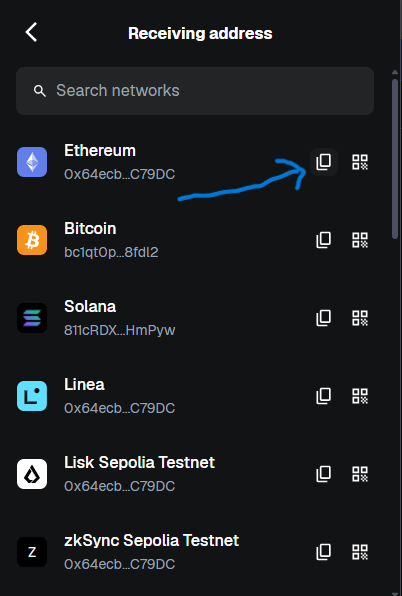
Add the same address via Add whitelisted address
with the buyer’s customer-id header (or from the dashboard). Use network: "BSC".
Call Get master wallet address
to retrieve the Payluk deposit address the customer should send cNGN to. The response
also includes a qrCode and an explorerUrl.
3
Send cNGN on BSC
From MetaMask, send your test cNGN (BEP-20, BSC) to that deposit address. Once the
transfer confirms on-chain, the funds are credited to the customer’s Payluk wallet.
A deposit from a non-whitelisted address is not credited; it is reverted to the
sender. Whitelist the address with Payluk before sending funds.